
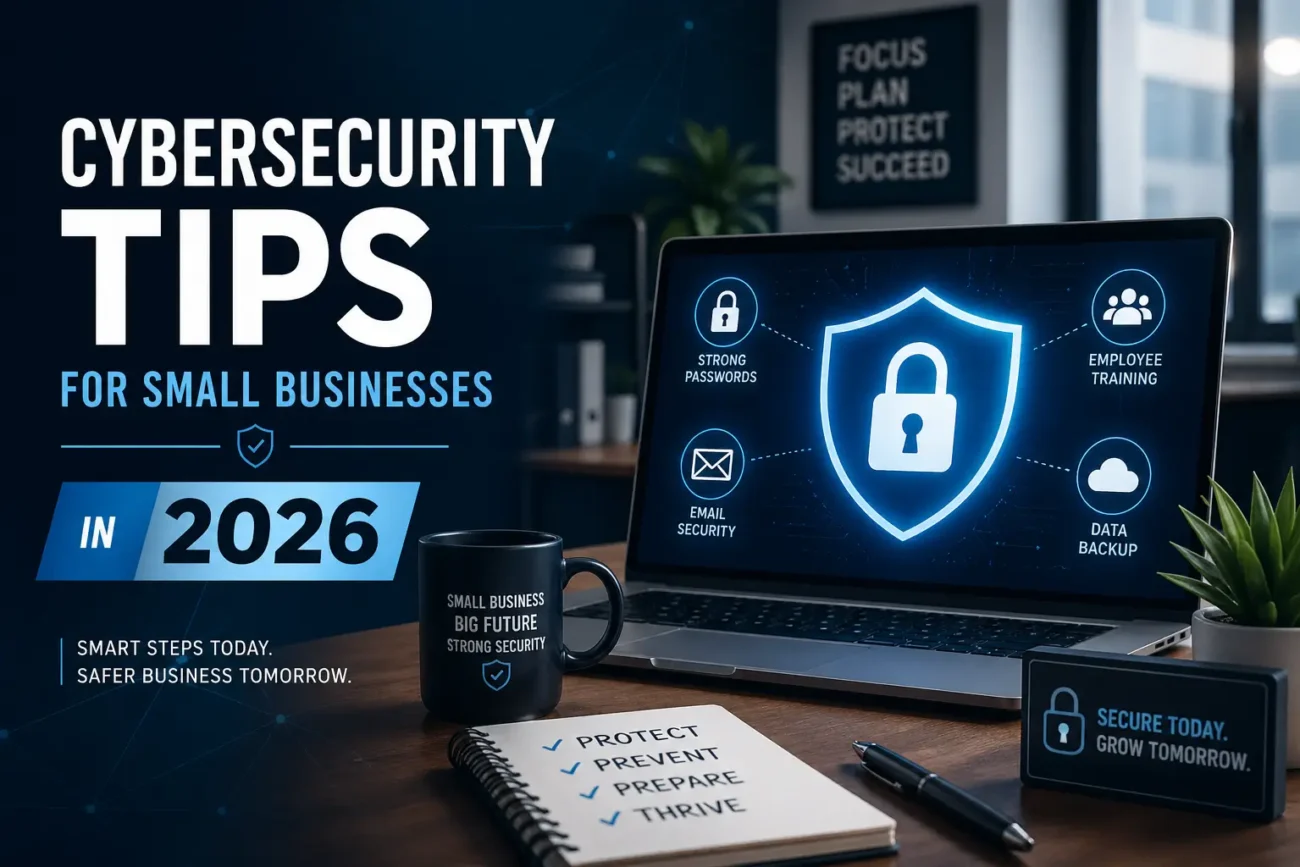
Running a small business is tough. You deal with customers, employees, money, and a hundred other things every day. But in 2026, there is one more thing you must think about — your online safety. Hackers are not just going after big companies anymore. Small businesses are their favorite targets. Why? Because most of them do not have strong protection. This guide gives you simple, clear cybersecurity tips that anyone can understand and use right away.
Why Small Businesses Are Being Targeted More in 2026
You might think hackers only go after banks or hospitals. That is not true anymore. Today, more than 60% of all cyberattacks hit small and medium businesses. And most of these businesses close within six months after a big attack. That is a scary fact. But the good news is — with the right steps, you can protect yourself.
In 2026, cybercriminals are using smarter tools powered by artificial intelligence. They can send fake emails that look very real. They can guess weak passwords in seconds. They can lock your files and ask for money to give them back. This is why learning about cybersecurity is not optional anymore — it is a must for every business owner.
10 Simple Cybersecurity Tips for Small Businesses in 2026
1. Use Strong and Unique Passwords
This sounds basic, but many businesses still use passwords like “123456” or “business2026.” These are very easy to guess. A strong password should be at least 12 characters long and include numbers, symbols, and both upper and lower case letters. Better yet, use a password manager like Bitwarden or 1Password. These tools create and save strong passwords for you, so you do not have to remember them all.
2. Turn On Two-Factor Authentication (2FA)
Even if someone gets your password, two-factor authentication (2FA) adds a second lock. This means after typing your password, you also need to enter a code sent to your phone or email. It takes only 10 extra seconds to log in, but it can stop hackers completely. Turn on 2FA for your email, banking, and any business software you use. This is one of the easiest and most powerful cybersecurity steps available in 2026.
3. Keep All Software Updated
Old software has holes — called vulnerabilities — that hackers love to use. When you see an update notification on your computer or phone, do not ignore it. Updates fix those holes. Turn on automatic updates for your operating system (Windows, Mac, Linux), your browser, and all apps you use for your business. This one habit alone can protect you from hundreds of known attacks.
4. Train Your Employees About Phishing
Phishing is when a hacker sends a fake email to trick you into clicking a bad link or giving your password. These emails can look like they are from your bank, your supplier, or even your boss. In 2026, AI-powered phishing emails are almost impossible to spot without training. Teach your staff to always check the sender’s email address, never click unknown links, and report anything suspicious to the manager right away.
5. Back Up Your Data Every Day
Ransomware is a type of attack where hackers lock all your files and ask for money to unlock them. The best way to beat ransomware is to have a backup. If your files are backed up, you can simply restore them without paying anything. Use the 3-2-1 backup rule — keep 3 copies of your data, on 2 different types of storage, with 1 copy stored offsite or in the cloud. Services like Google Workspace, Backblaze, or AWS offer affordable cloud backup for small businesses.
6. Use a Business Firewall and VPN
A firewall is like a security guard that watches all the traffic going in and out of your network. A VPN (Virtual Private Network) hides your internet activity so no one can spy on what your team does online. Both of these tools are especially important if your employees work from home or use public Wi-Fi. Most routers today have a built-in firewall — make sure it is turned on. For VPN, tools like NordVPN Teams or ExpressVPN for Business are popular and easy to set up.
7. Limit Who Has Access to What
Not every employee needs access to everything. This is called the Principle of Least Privilege. For example, your delivery driver does not need access to your accounting files. Your cashier does not need admin access to your website. By limiting access, you reduce the damage that can happen if any one account gets hacked. Review your access settings at least every three months and remove access from people who no longer need it.
8. Secure Your Wi-Fi Network
Your business Wi-Fi should have a strong password and should use WPA3 encryption — the latest and strongest Wi-Fi security standard in 2026. Also, create a separate Wi-Fi network for your customers or visitors. Never let them use the same network as your business computers. This way, even if a customer’s phone is infected, it cannot reach your business data.
9. Have a Clear Cybersecurity Policy
Write down the rules for using technology in your business. This does not have to be complicated. A simple one-page document works. Include rules like: do not use personal email for work, do not install apps without permission, always lock your screen when you walk away, and report any suspicious activity immediately. When your team knows the rules, they are more careful. A written policy also helps if something goes wrong — it shows that you took reasonable steps to protect your business.
10. Work With a Cybersecurity Expert or Service
You do not have to do all of this alone. In 2026, there are many affordable Managed Security Service Providers (MSSPs) who handle cybersecurity for small businesses. They monitor your systems, alert you to threats, and help you respond quickly. If you cannot afford a full-time IT person, an MSSP is the next best option. Many offer plans starting at a few hundred dollars a month — much cheaper than recovering from an attack.
Your Quick Cybersecurity Checklist for 2026
Use this checklist to see where your business stands right now:
- All accounts use strong, unique passwords
- Two-factor authentication is active on all business accounts
- Operating systems and software are set to auto-update
- Employees have received phishing awareness training
- Daily backups are running and tested
- Firewall is turned on and VPN is in use
- User access is limited based on job role
- Business Wi-Fi is separate from guest Wi-Fi
- A written cybersecurity policy exists
- You have a plan if a cyberattack happens
What Should You Do If You Get Hacked?
Even with the best protection, attacks can still happen. The key is to respond fast. Here is what to do if you suspect a cyberattack:
Step 1 — Disconnect: Immediately disconnect the affected computer or device from the internet and your network. This stops the attack from spreading.
Step 2 — Alert your team: Tell all employees to stop using their devices temporarily and change their passwords from a different, safe device.
Step 3 — Contact a professional: Call your IT support or cybersecurity provider right away. Time matters in these situations.
Step 4 — Report the attack: Report the incident to your national cybercrime authority. In Pakistan, you can contact the National Response Centre for Cyber Crime (NR3C). In the US, report to the FBI’s IC3.
Step 5 — Restore from backup: If your data is compromised, restore it from your most recent clean backup.
Trusted Resources to Learn More
These official resources can help you go deeper into cybersecurity for your business:
The U.S. Cybersecurity and Infrastructure Security Agency offers free guides, checklists, and training resources specifically designed for small businesses. Highly recommended for practical, government-backed advice.
The UK’s National Cyber Security Centre provides a free, easy-to-read guide for small organisations. Their advice is practical and does not require any technical background to understand or implement.
Final Thoughts — Start Today, Not Tomorrow
Cybersecurity for small businesses in 2026 is not as complicated as it sounds. You do not need to be a tech expert. You just need to take the right steps — one at a time. Start with the basics: strong passwords, two-factor authentication, regular updates, and employee training. Then build from there.
Remember, hackers look for the easiest targets. When your business has basic protections in place, attackers will likely move on to someone who is not protected. The goal is not to be perfect — it is to be better than having nothing at all.
Bookmark this page, share it with your team, and go through the checklist above. Your business and your customers deserve to be safe.
